AI agents are becoming more useful because they can connect with tools, data, APIs, files, and business systems. But without a standard way to access those systems, every integration becomes custom, slow, and difficult to scale.
An MCP server helps solve this problem. It gives AI applications a structured way to connect with external systems through the Model Context Protocol. Instead of building a separate connector for every database, application, or workflow, teams can use an MCP server to expose tools and data in a consistent way.
In simple terms, an MCP server acts as the connection layer between an AI application and the data or tools it needs to complete a task.
Key Takeaway
- An MCP server gives AI applications a standard way to connect with external tools, data, APIs, files, and business systems.
- MCP servers reduce the need for custom integrations by exposing approved tools, resources, and workflows through a consistent access layer.
- They help AI applications work with fresher, more relevant business context instead of relying only on built-in model knowledge.
- Common use cases include database queries, document search, API access, business application workflows, developer tools, and governed analytics.
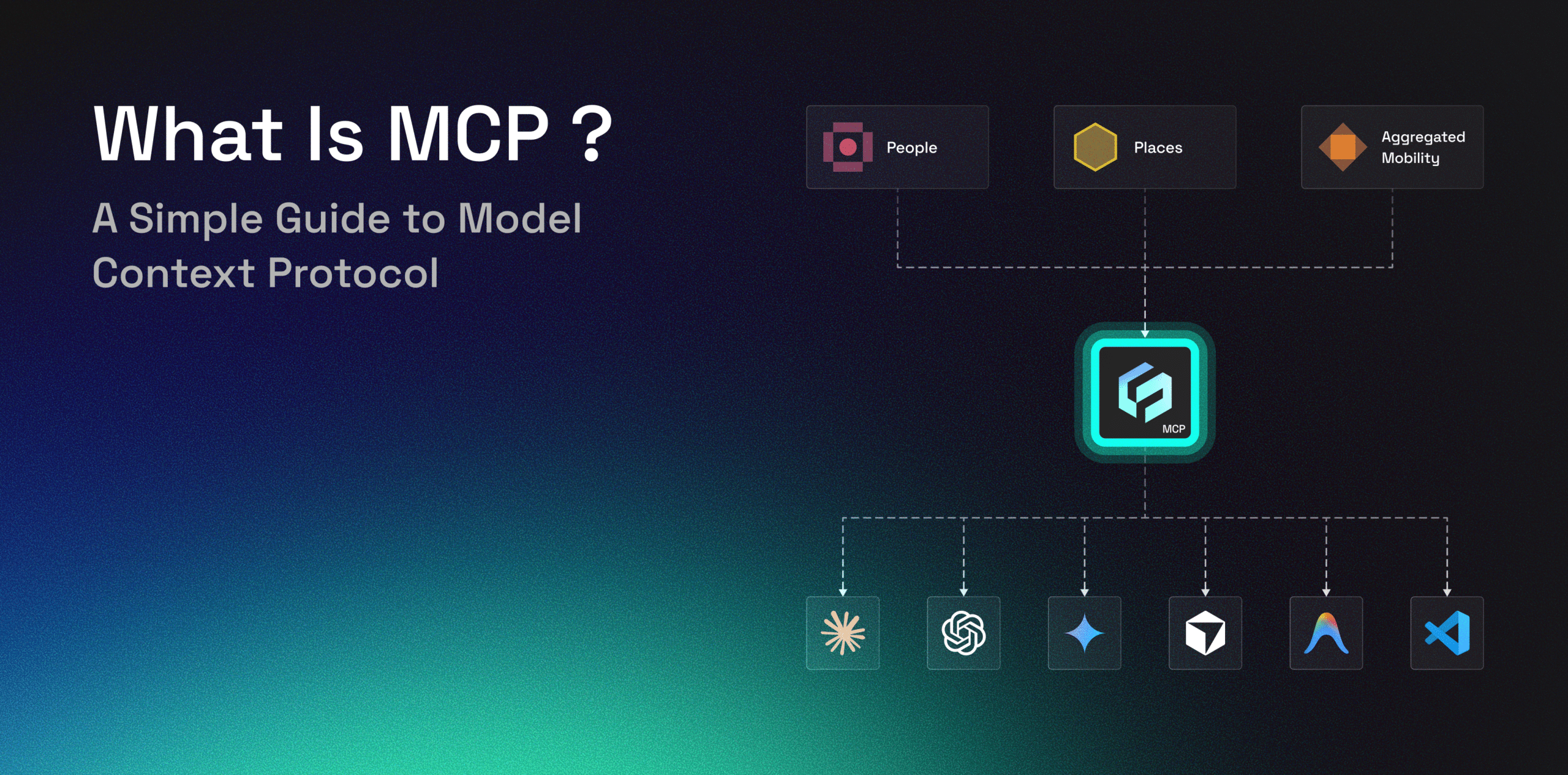
- Factori MCP extends this model to real-world data, helping AI workflows access signals about people, places, visits, movement, audiences, and market activity.
What Is an MCP Server?
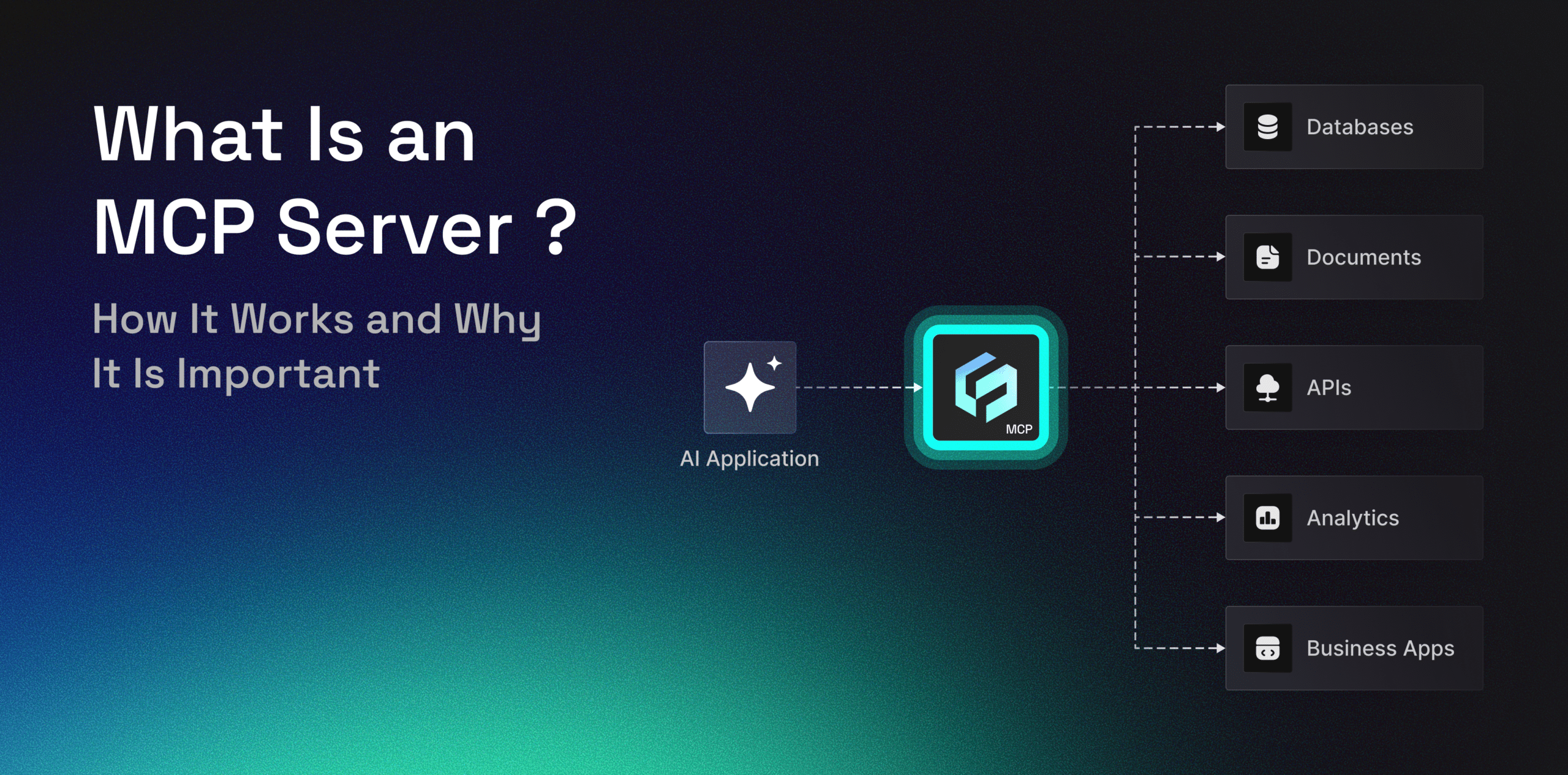
An MCP server is a software component that helps AI applications connect to external tools, data, APIs, and business systems using the Model Context Protocol.
MCP stands for Model Context Protocol. It gives AI applications a standard way to communicate with systems outside the model, such as databases, documents, SaaS tools, internal applications, analytics platforms, and APIs.
This matters because AI applications often need more than their built-in model knowledge. To complete useful tasks, they may need to search a document, query a database, retrieve analytics, call an API, or access a business workflow.
An MCP server acts as the bridge that makes this possible. It exposes approved tools, resources, or workflows so an AI application can access the context it needs in a structured and controlled way.
An MCP server is not the same as an API. An API allows software systems to exchange data or actions. An MCP server may use APIs behind the scenes, but it organizes access in a way AI agents can discover and use more easily.
In simple terms, an MCP server helps AI applications move beyond general responses and work with real systems, real data, and real business context.
Why MCP Servers Are Important
AI models can generate useful responses, but they become more valuable when they can work with current and relevant context. A model may need to check a database, retrieve a report, search a knowledge base, call an API, or use a business application before it can complete a task.
Without MCP, each connection often requires a custom integration. This creates more work for developers and makes AI workflows harder to scale across teams.
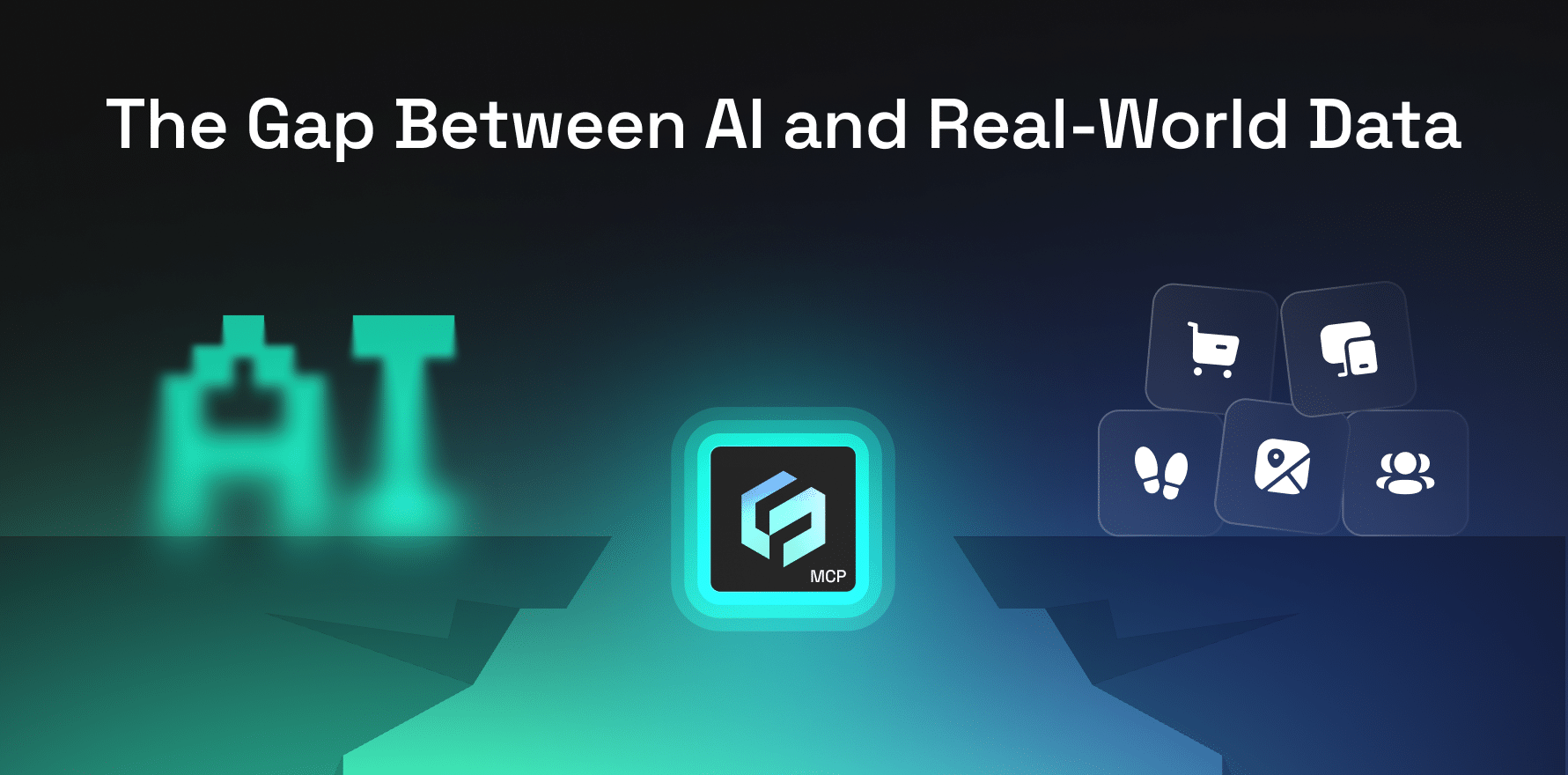
MCP servers matter because they create a standard access layer between AI applications and external systems.
They help teams:
- Connect AI agents to external tools and data
- Reduce custom integration work
- Give AI applications access to fresher context
- Control which systems, tools, and actions are exposed
- Reuse the same access layer across multiple AI clients
- Support more scalable AI workflows
For enterprises, this control matters. MCP servers can help teams define which tools, data sources, and actions are available to AI applications, instead of giving broad access to every backend system.
This is important because business data is often spread across many systems. MCP servers help AI applications work across those systems without requiring every backend to be directly exposed.
The value of an MCP server is simple: it helps AI move from basic answers to context-aware actions.
How does an MCP Server Work
An MCP server works by exposing tools, resources, or workflows that an AI application can use. The AI application connects to the server through an MCP client.
A simple MCP server workflow looks like this:
- A user asks an AI application to complete a task.
- The AI application identifies that it needs external data or a tool.
- The MCP client sends a request to the MCP server.
- The MCP server connects to the relevant backend system, API, file, or dataset.
- The backend system returns the required information.
- The MCP server sends the result back in a structured format.
- The AI application uses the result to answer the user or complete the task.
| Component | Role |
| MCP Host | The AI application where the user works |
| MCP Client | The connector inside the AI application |
| MCP Server | The layer that exposes tools, data, or workflows |
| Tools | Actions the AI application can call |
| Resources | Data or context the AI application can access |
| Backend Systems | Databases, APIs, files, apps, or platforms connected through the server |
For example, a user may ask an AI assistant to summarize recent customer activity. The assistant may need to access a CRM, retrieve records, and return a summary. The MCP server helps manage that connection between the AI application and the backend system.
Common MCP Server Use Cases
MCP servers can be used anywhere AI applications need access to external systems. They are useful for developers, data teams, business users, and enterprises building AI workflows.
Connecting AI Agents to Databases
AI agents can use MCP servers to query structured data from databases. This helps teams retrieve business context without manually searching through systems or exporting files.
For example, an AI assistant may use a database connection to answer questions about sales trends, customer activity, inventory levels, or operational performance.
Searching Documents and Knowledge Bases
MCP servers can connect AI applications to internal documents, reports, policies, research files, and knowledge bases.
This helps AI assistants answer questions using approved business information instead of relying only on general model knowledge.
Calling APIs Through AI Workflows
Many business systems already expose APIs. An MCP server can sit on top of those APIs and make them available to AI agents in a more structured way.
This can support workflows such as retrieving records, checking status, updating fields, triggering actions, or pulling data from external platforms.
Connecting AI Tools to Business Applications
Enterprises use many systems across sales, marketing, finance, support, operations, and analytics. MCP servers can help AI applications interact with these systems through a controlled access layer.
This allows AI tools to support more practical business workflows, such as preparing reports, retrieving account information, checking campaign data, or summarizing operational updates.
Supporting Developer Workflows
Developers can use MCP servers to connect AI coding assistants with repositories, tickets, logs, documentation, and deployment tools.
This helps coding assistants move beyond code suggestions and become more useful across the software development workflow.
Helping Data and Analytics Teams
Data and analytics teams can use MCP servers to make trusted datasets, metrics, and analytics outputs easier for AI applications to access.
This is useful when teams want AI assistants to work with governed data sources, retrieve insights, or support analysis without creating a new custom integration for every workflow.
Factori MCP
Factori helps businesses work with real-world data about people, places, visits, movement, audiences, and market activity. As AI workflows become more common, teams need easier ways to connect structured external data with AI agents, analytics tools, and business systems.
A Factori MCP-style access layer can help make real-world data easier to discover, query, enrich, and activate inside AI-enabled workflows without relying only on static files or disconnected reports.
For example, teams may want to ask questions such as:
- Which markets show stronger visit activity?
- Where are audience segments more concentrated?
- How are movement patterns changing across locations?
- Which areas may be more relevant for campaign planning?
- How can external real-world signals support forecasting or market analysis?
Instead of working only with static exports or disconnected reports, MCP-style access can help teams bring trusted external data into the tools where decisions are made.
For marketers, analysts, data teams, and enterprise AI teams, the value is not just access to raw data. The value is turning real-world signals into usable context for planning, forecasting, targeting, measurement, and market intelligence.
Factori’s approach is privacy-aware and focused on helping businesses move from raw data to actionable insight.
Conclusion
MCP servers are becoming important because AI applications need reliable ways to connect with external systems. They help AI agents access tools, data, APIs, files, and workflows through a more standard connection layer.
For teams building AI workflows, this can reduce custom integration work, improve access to current context, and make AI applications more useful across business functions.
The main idea is simple: an MCP server helps AI applications connect to the systems where useful information already exists.
For businesses, this creates a path toward more scalable, controlled, and AI-ready data access.
FAQs
What does MCP server mean?
An MCP server is a software component that connects AI applications to external tools, data, APIs, or workflows using the Model Context Protocol.
What is an MCP server used for?
An MCP server is used to give AI applications controlled access to external systems such as databases, files, APIs, business tools, analytics platforms, and knowledge bases.
How does an MCP server work?
An MCP server receives requests from an AI application through an MCP client, connects to the relevant backend system, and returns the result in a structured format the AI application can use.
Is an MCP server the same as an API?
No. An API allows software systems to exchange data or actions. An MCP server may use APIs, but it organizes access in a way that AI agents can discover and use more easily.
Why do AI agents need MCP servers?
AI agents need MCP servers because they often require current data, business context, or tool access to complete useful tasks beyond basic text generation.